BYJU’S
Byju’s BTLA 3.0
Defining the design language for the next-gen mother app
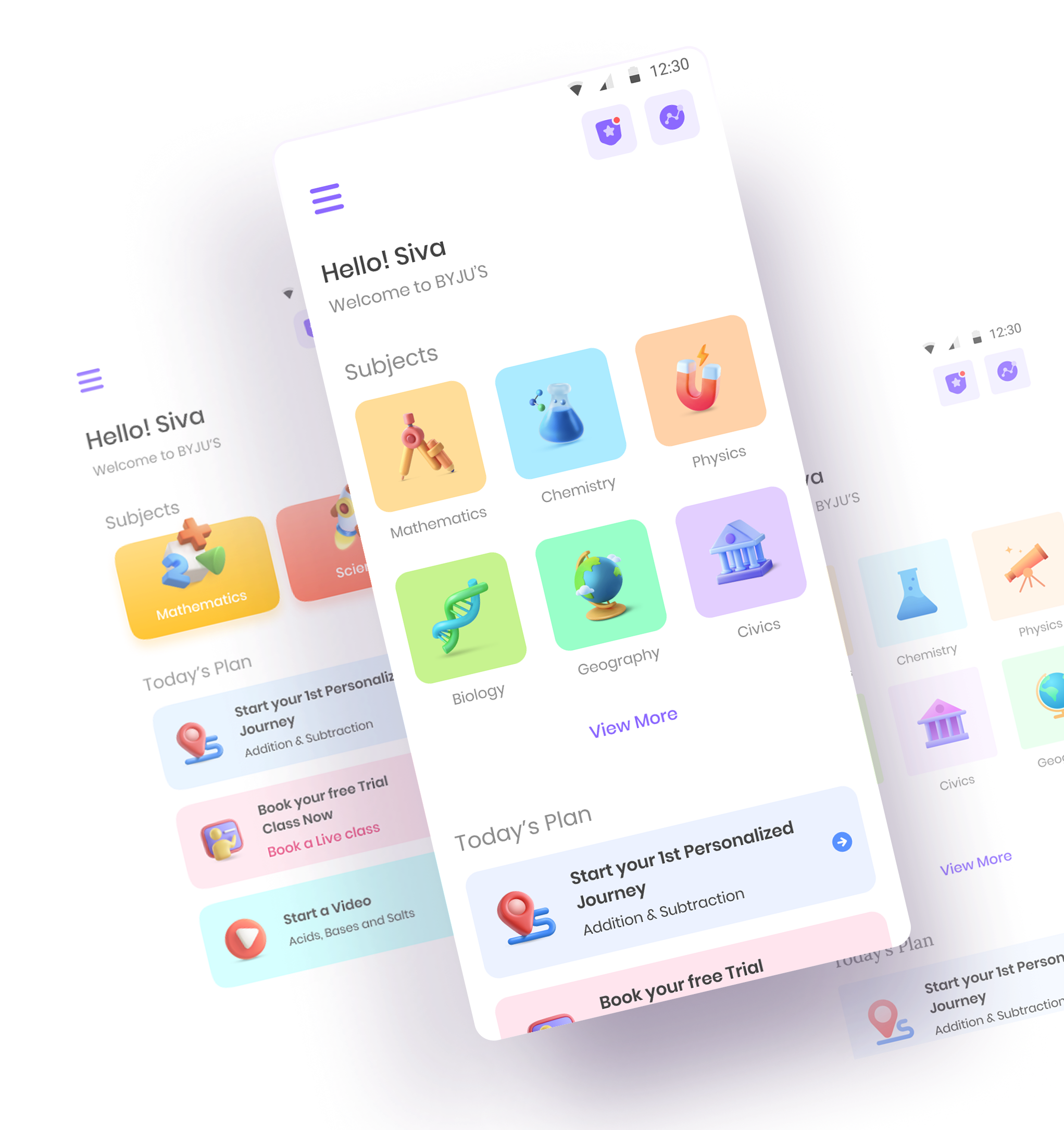

Onboarding with the team
I was outsourced by Byju’s while working with Lollypop Design Studio. At that time, the product was in the initial brainstorming phase of a complete overhaul of their main app, BTLA 3.0.

About the design
Our primary focus was giving the app a clear visual direction — one that felt personal, not generic.
The new approach split the experience by cohort, giving each age group its own visual identity.
The exciting phase called “collaboration”
Collaboration gets talked about a lot, but living through an actually collaborative phase is a different thing — we spent hours in one single file, brainstorming, designing, iterating, and refining together.

Seven designers, each an expert in a different layer, all pouring their mind and talent into one goal.
We ended up testing Figma’s collaboration limits — countless variations and approaches, hours at a stretch, all in pursuit of taking an already-established app to the next level. At one point, Figma crashed under the sheer amount of content in that one file.
The art of discovery & moodboarding
We started discovery by breaking down the old design — its interaction patterns, colors, and visual style.
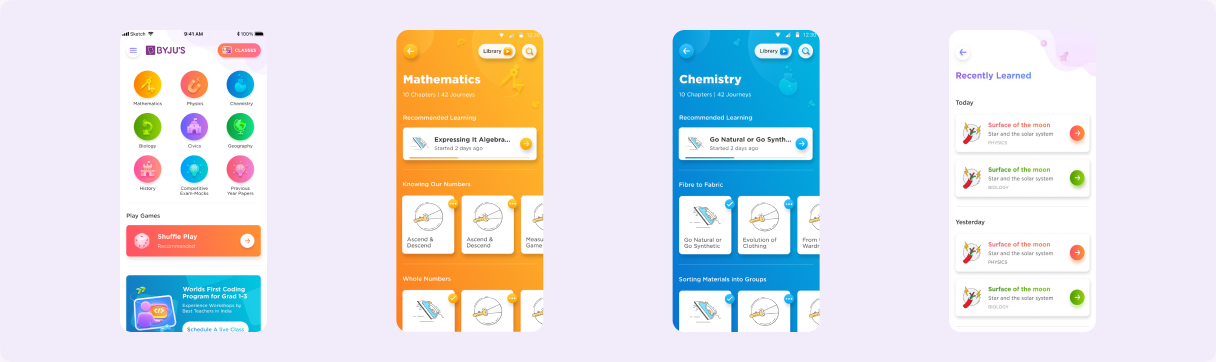
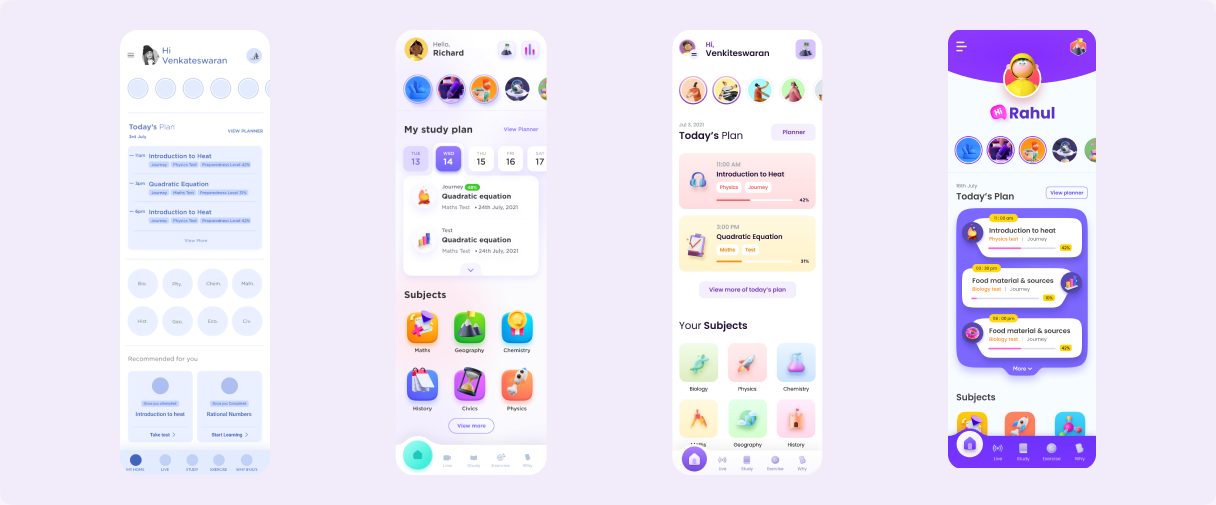
Once discovery wrapped, we moved into variations for the app, aiming for a genuinely new look for BTLA 3.0 users.
Defining the visual language
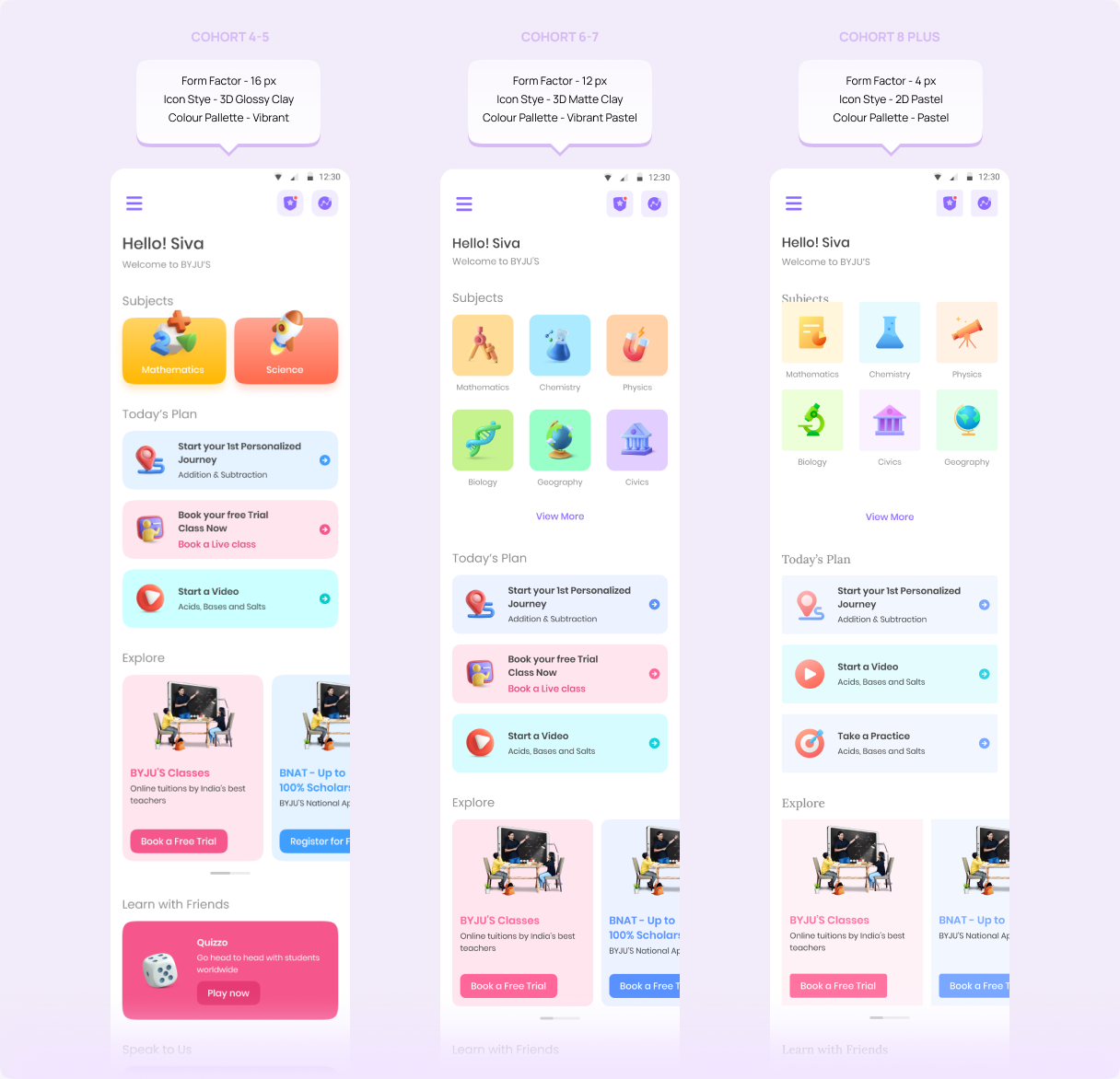
Getting the visual direction right was one of the more enjoyable parts of the project. Since the product was split into three cohorts, we styled each one differently based on maturity.
Cohort 1 → Class 4–5
Pebblish and vibrant style with 3D icons.
Cohort 2 → Class 6–7
Semi-rounded and vibrant pastel style with 3D matte clay icons.
Cohort 3 → Class 8+
Less rounded and pastel style with 2D pastel icons.
Splitting the experience by cohort meant each one needed a visual identity of its own, not just a palette swap.
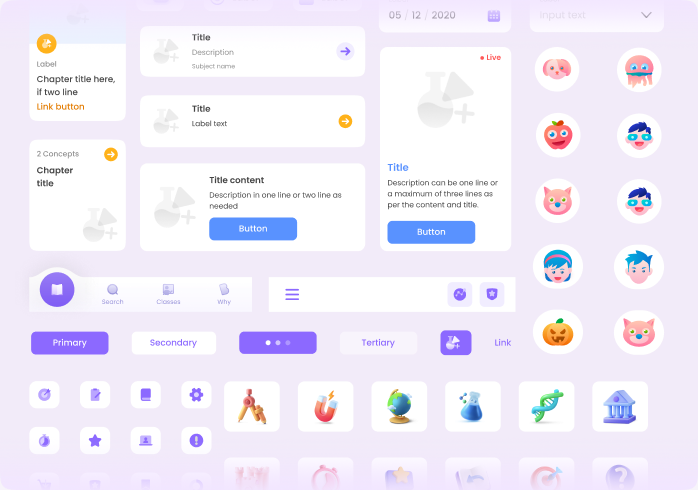
BTLA 3.0 design system
This design system leaned entirely on Figma’s own features. It was built for the wider BTLA 3.0 ecosystem, so any product linking to BTLA would share the same component behaviour.
We split it into three files, one per cohort, and kept every component multi-platform compatible.

A team and space where I could learn, execute, and mentor — and see the change we were making land across Byju’s software and product strategy.